Follow these steps to enter a My603Rewards drawing through the NH Lottery app:
Step 1
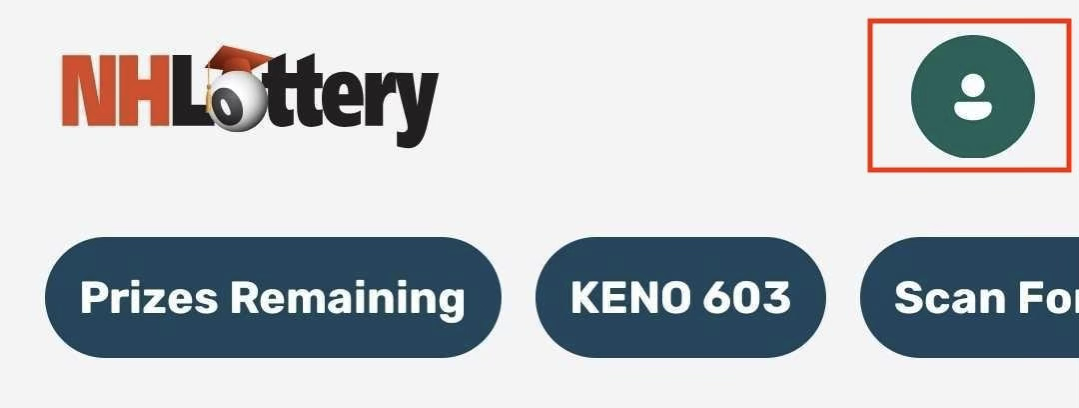
Sign in using the person icon in the upper-right portion of your screen. Select Sign In from the menu and enter your New Hampshire Lottery account credentials.
Step 2
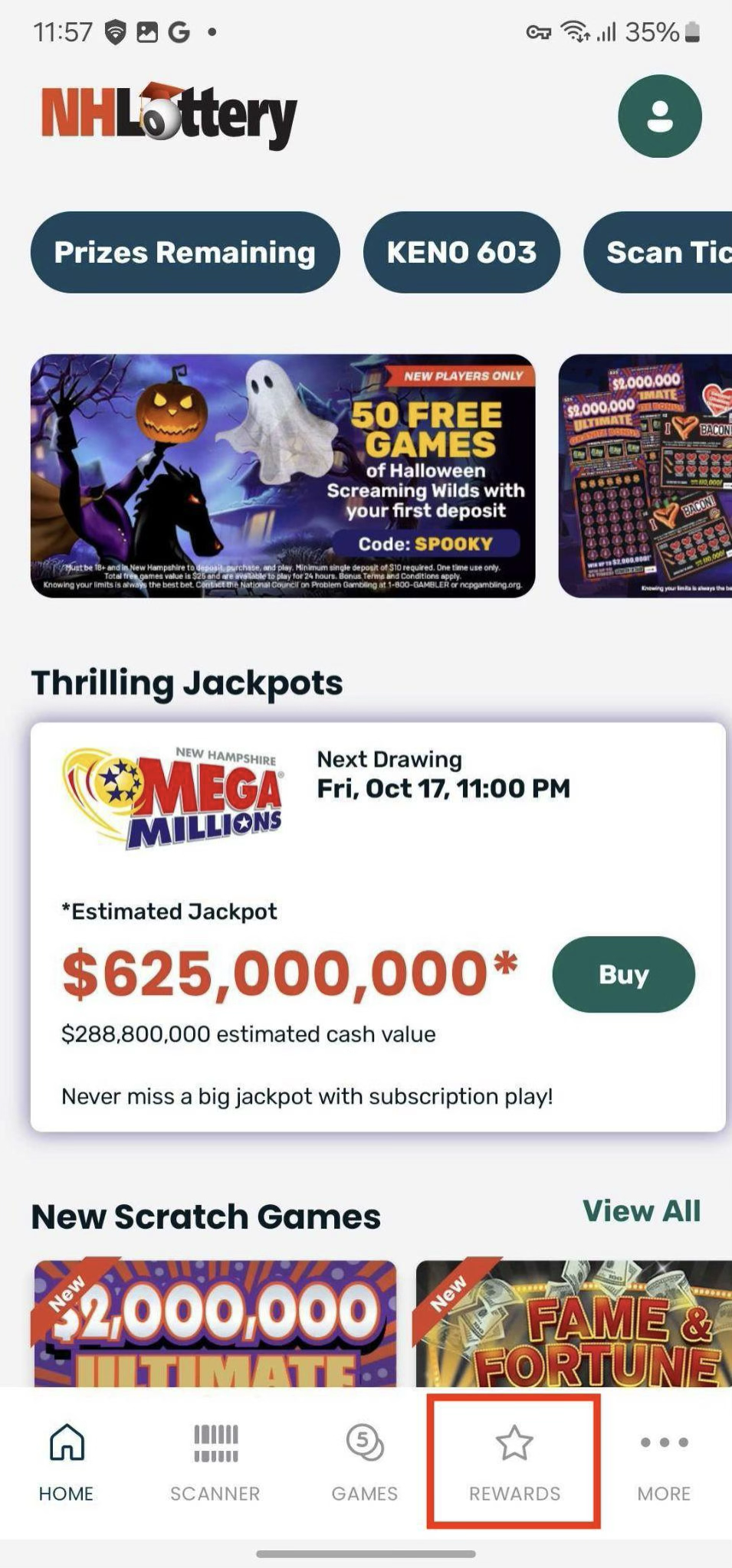
Tap the Rewards icon in the bottom navigation bar
 Step 3
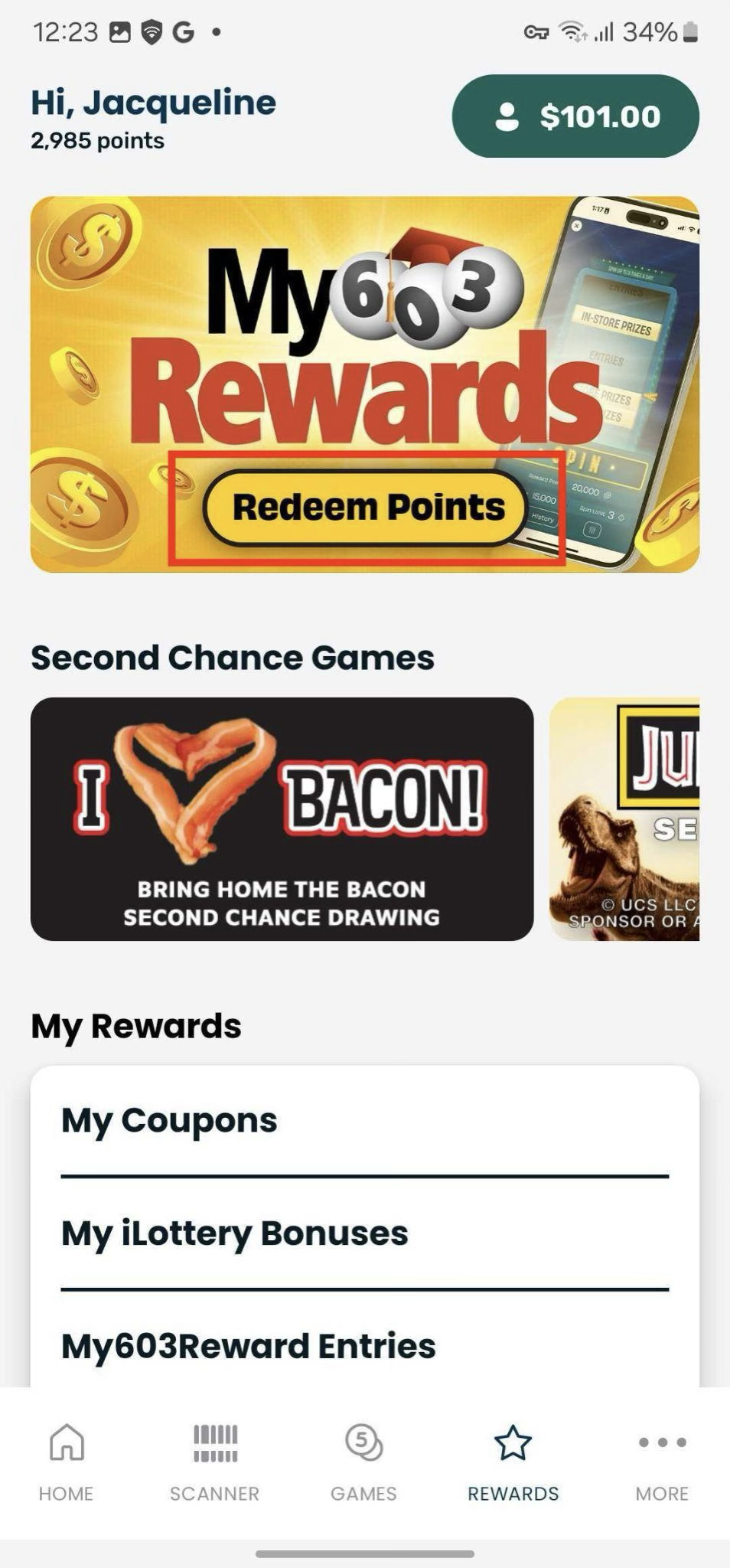
Tap Redeem Points
Step 4
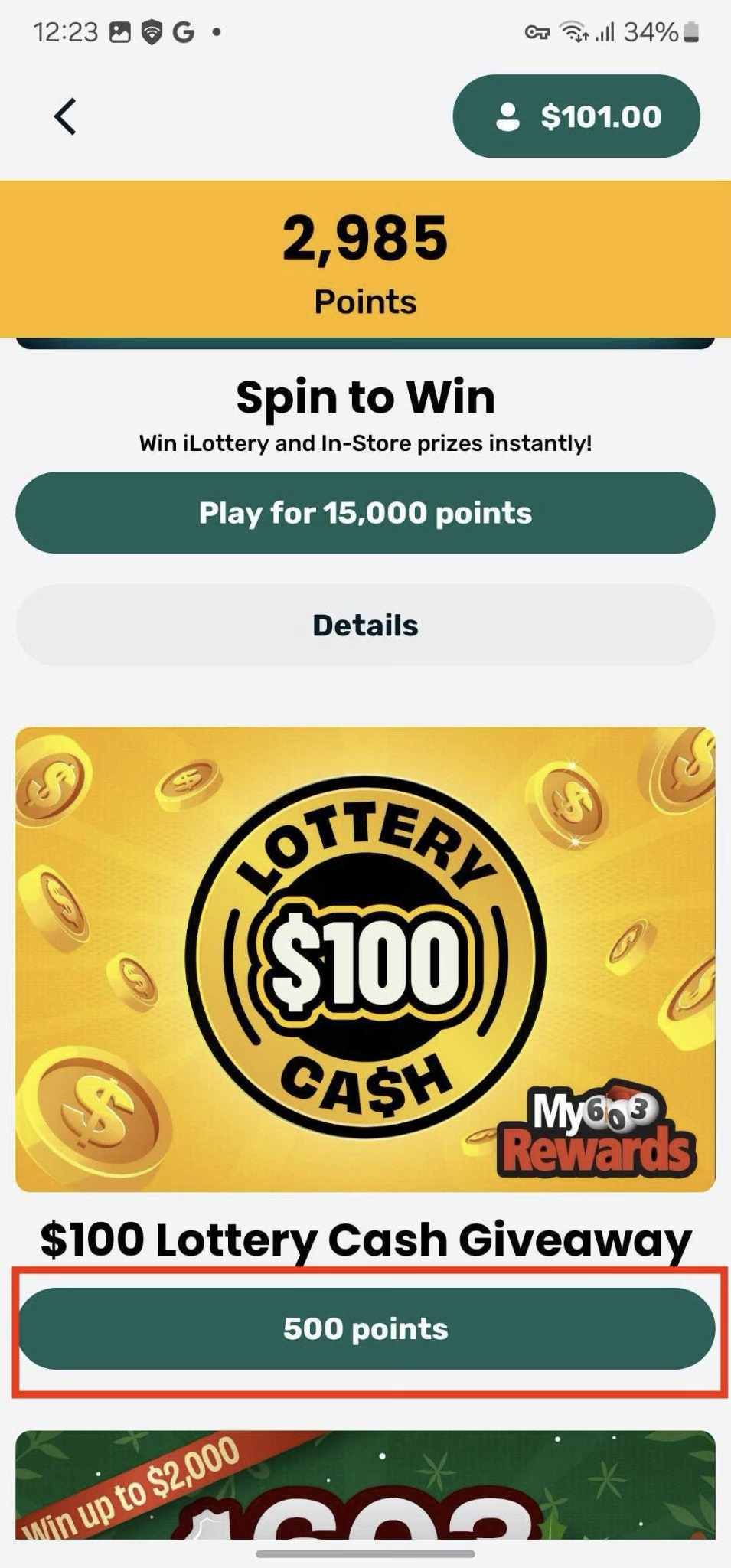
Tap # Points button beneath the giveaway you want to enter.
 Step 5
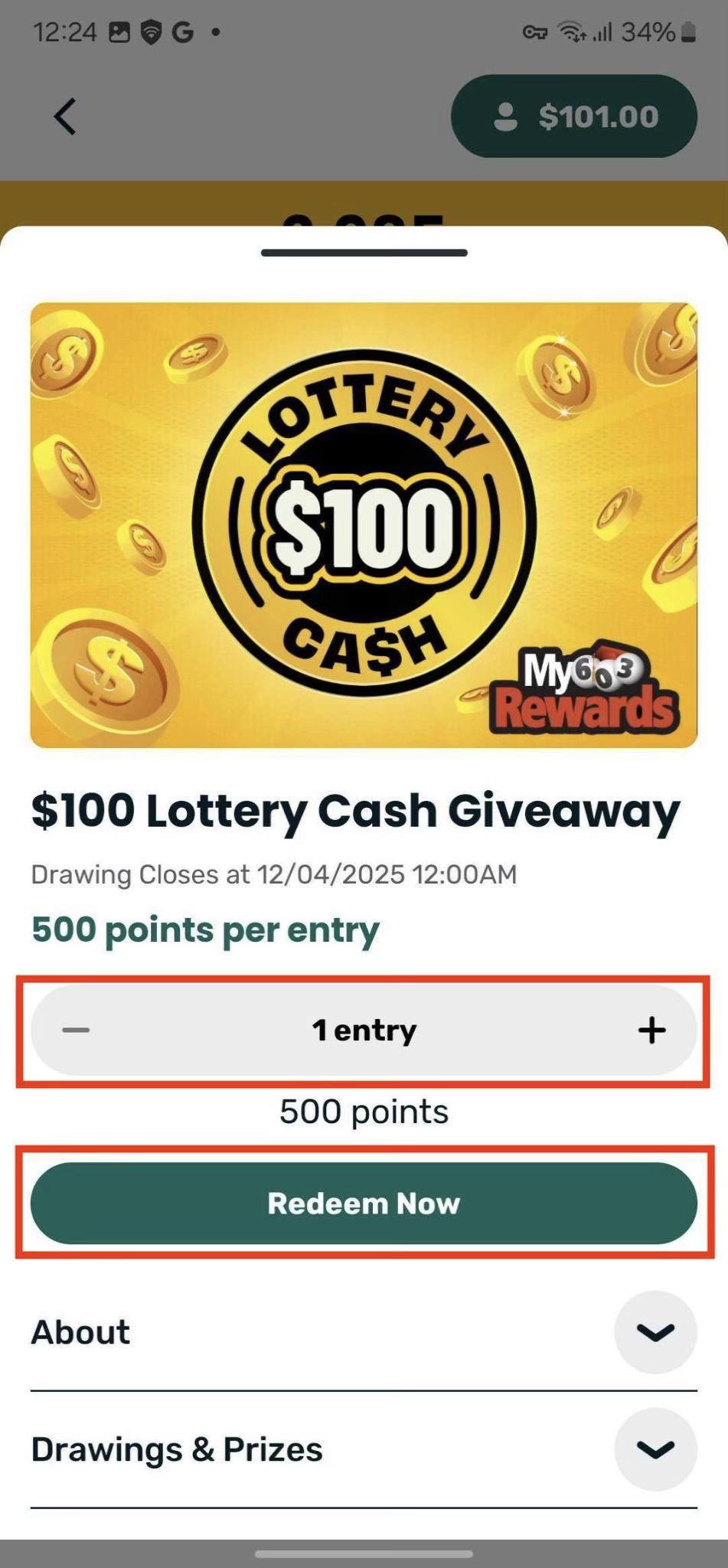
Choose how many entries you’d like and tap Redeem Now.
Was this article helpful?
That’s Great!
Thank you for your feedback
Sorry! We couldn't be helpful
Thank you for your feedback
Feedback sent
We appreciate your effort and will try to fix the article