The winners will be posted on the drawing details screen in the NH Lottery app. Follow these steps to see the winners for each drawing:
Step 1
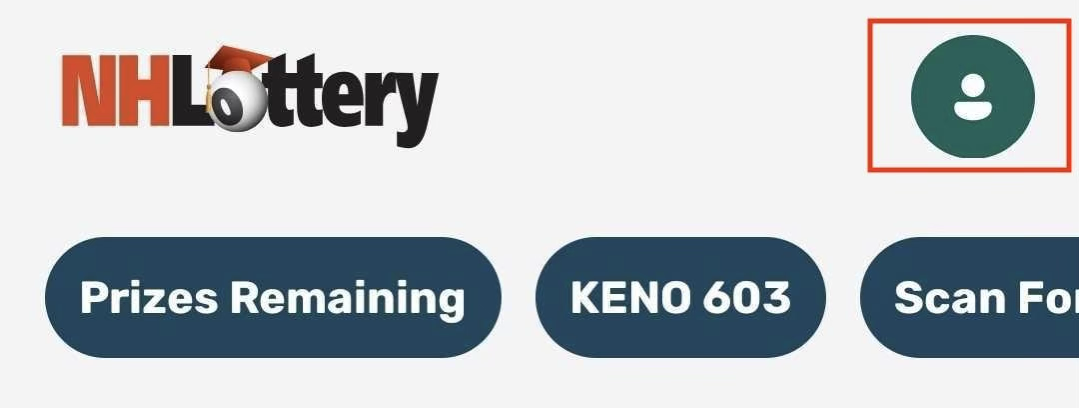
Sign in using the person icon in the upper-right portion of your screen. Select Sign In from the menu and enter your New Hampshire Lottery account credentials.
Step 2
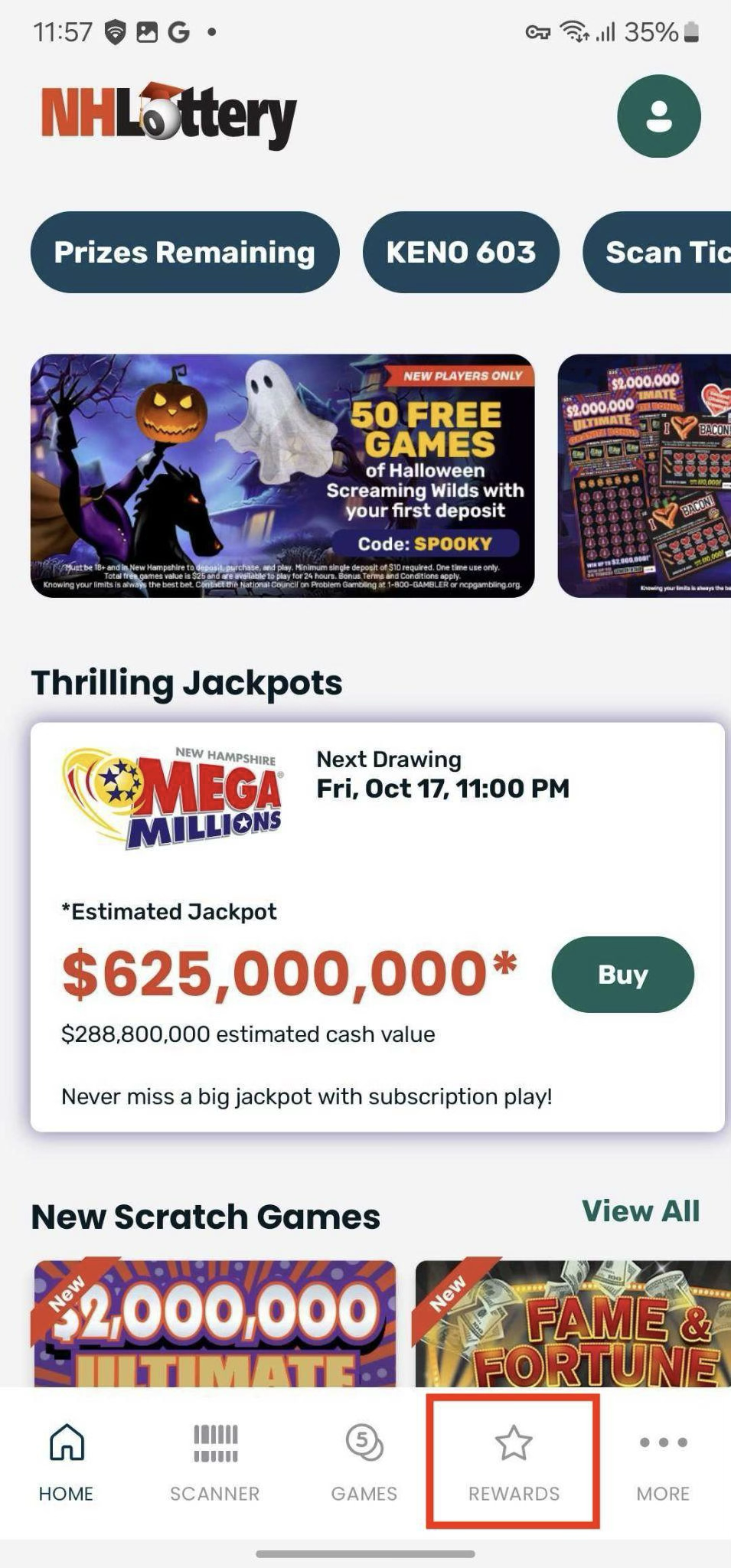
Tap the Rewards icon in the bottom navigation bar
 Step 3
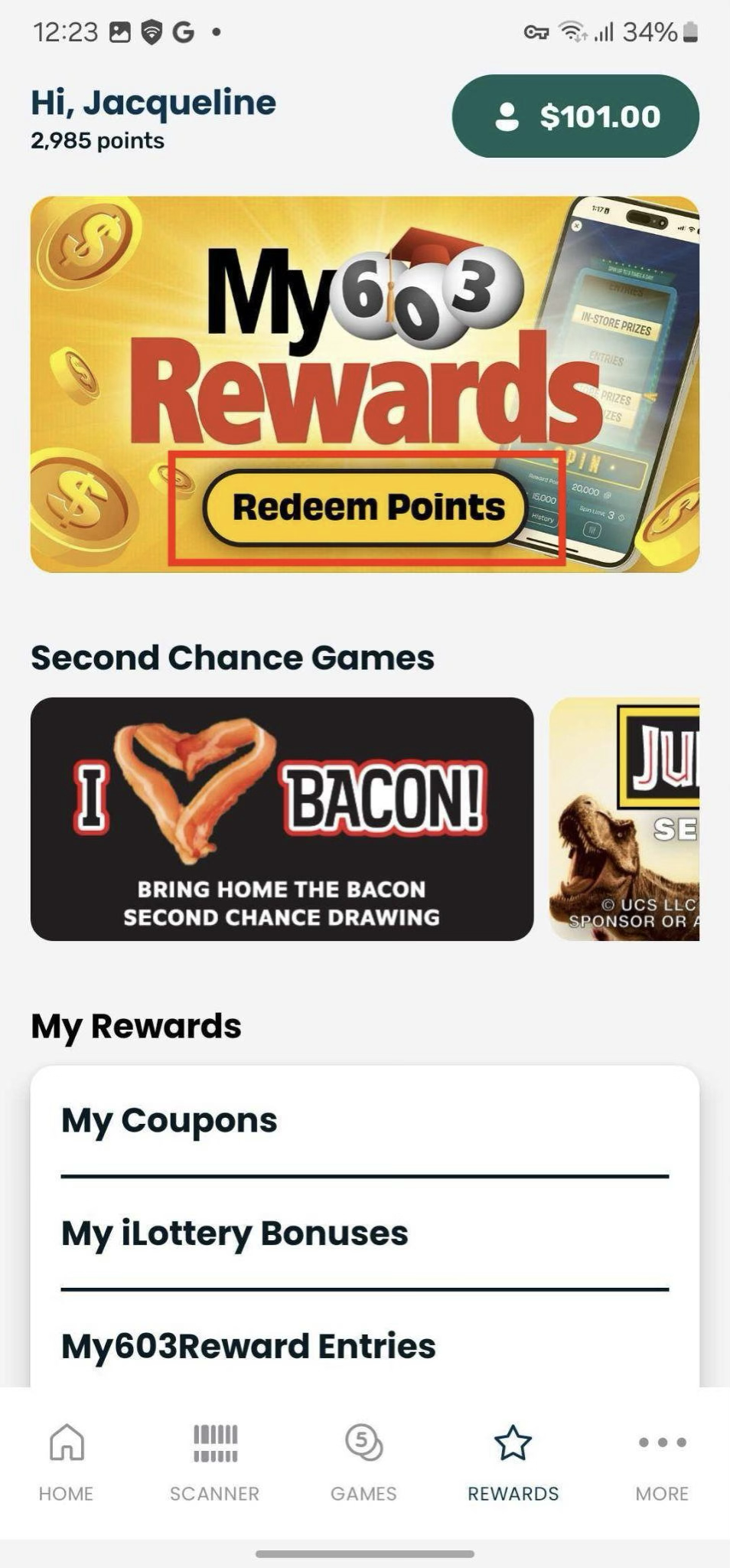
Tap Redeem Points to access the Rewards Catalog.
 Step 4
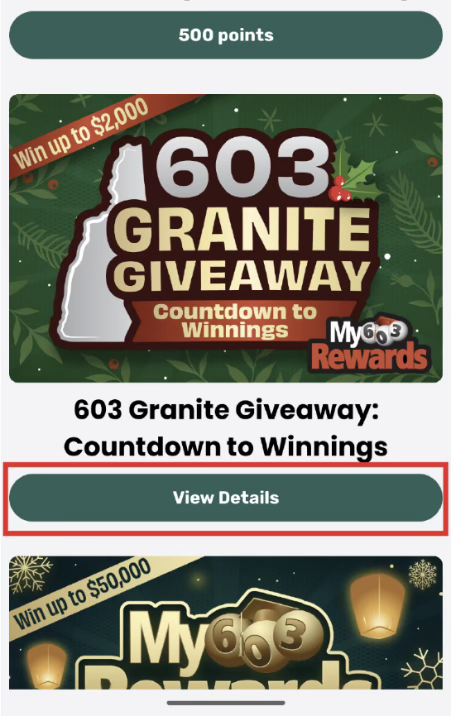
After a Drawing closes, the Points button beneath the graphic will change to View Details.
Step 5
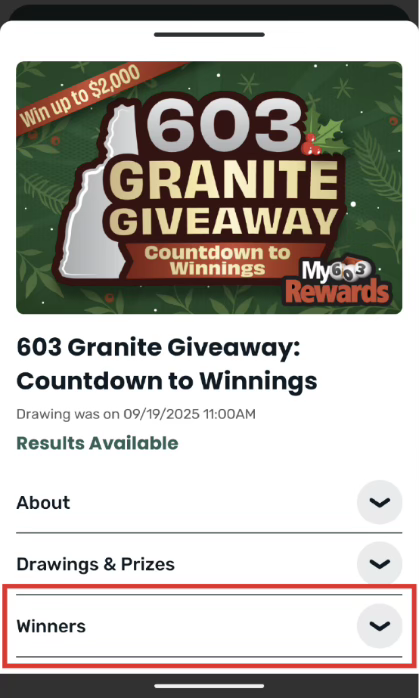
If there are winners to display, there will be a dropdown menu with the title of Winners. Tapping this will open information detailing the winners.
Was this article helpful?
That’s Great!
Thank you for your feedback
Sorry! We couldn't be helpful
Thank you for your feedback
Feedback sent
We appreciate your effort and will try to fix the article