To scan your tickets, follow these steps:
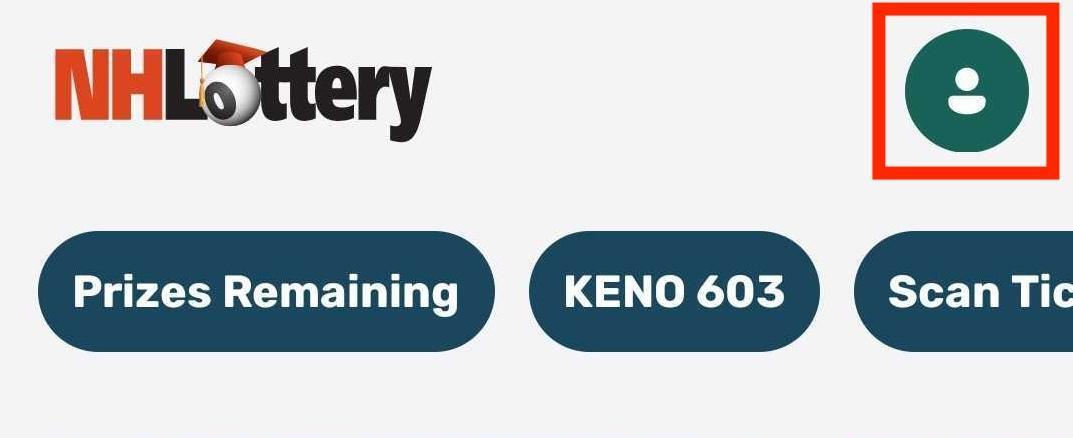
1. Sign into your NH Lottery Account on the Mobile App by tapping on the account icon.
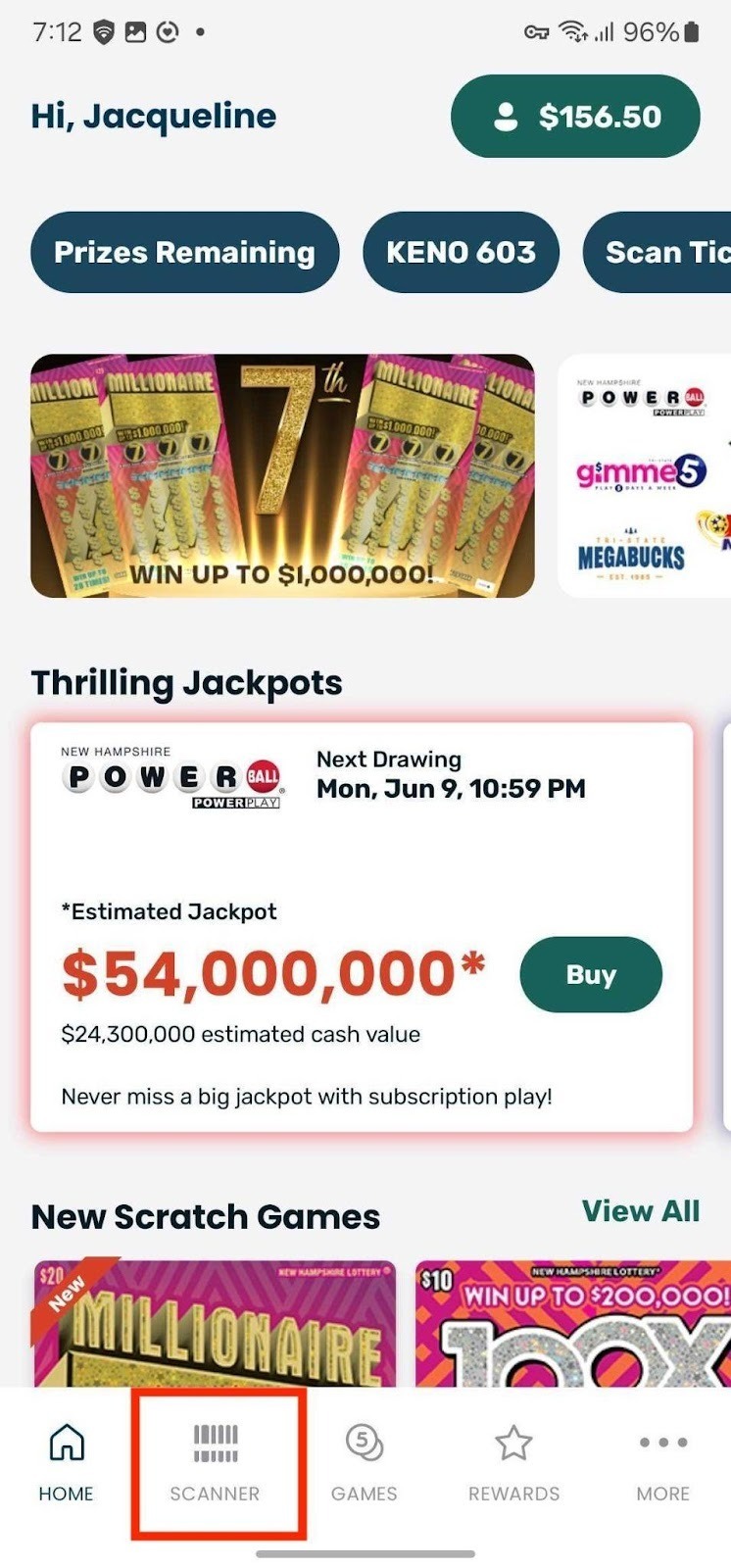
2. Tap on the Scanner icon in the bottom navigation bar.
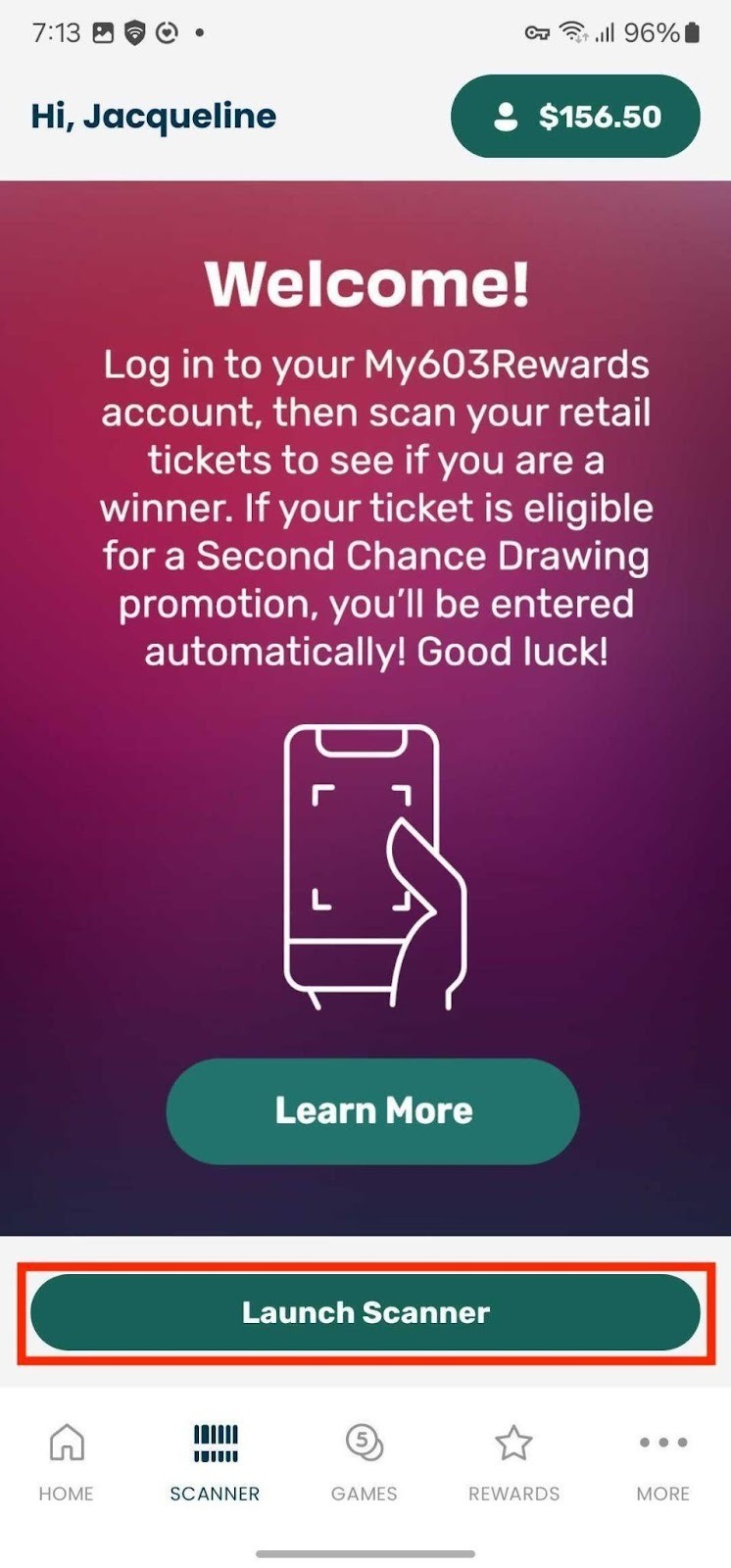
3. Tap to Launch Scanner.
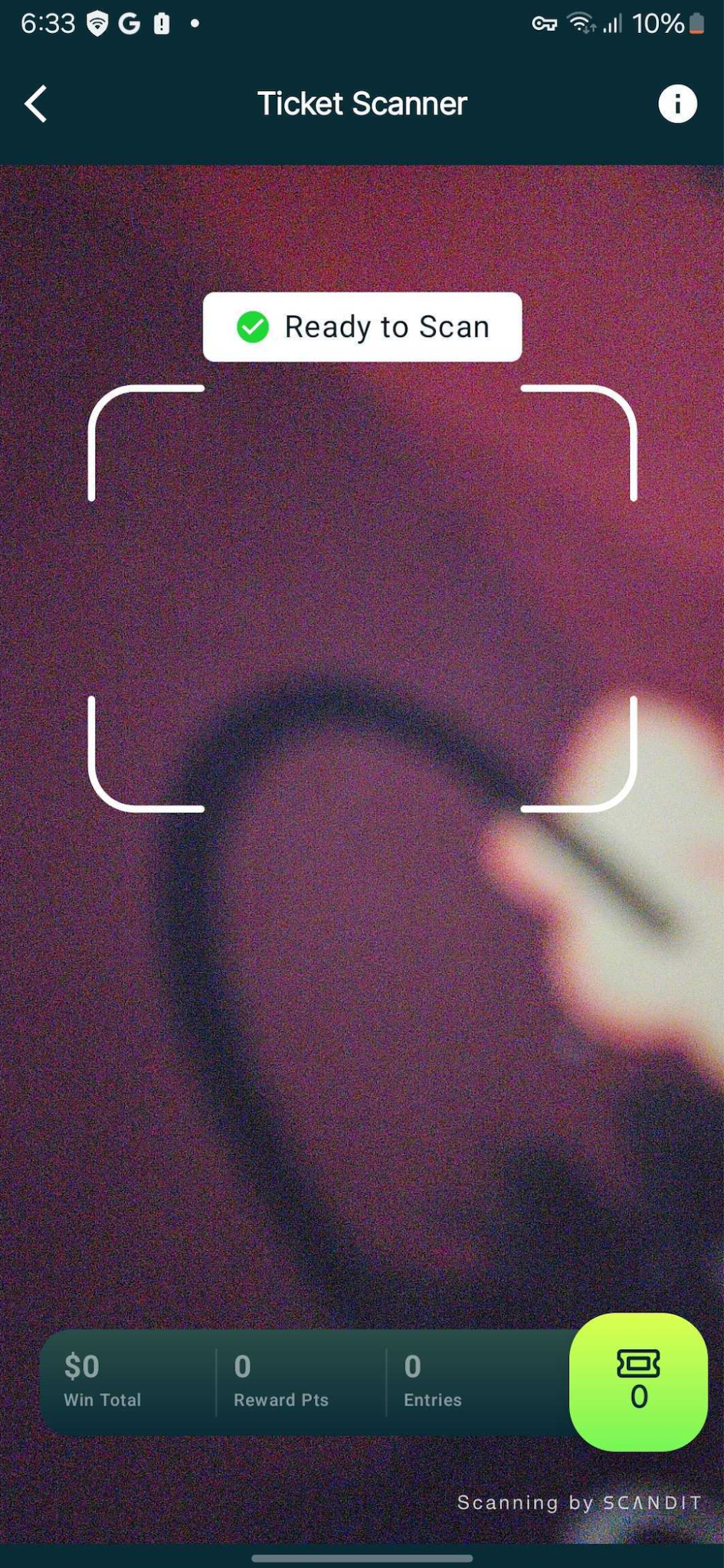
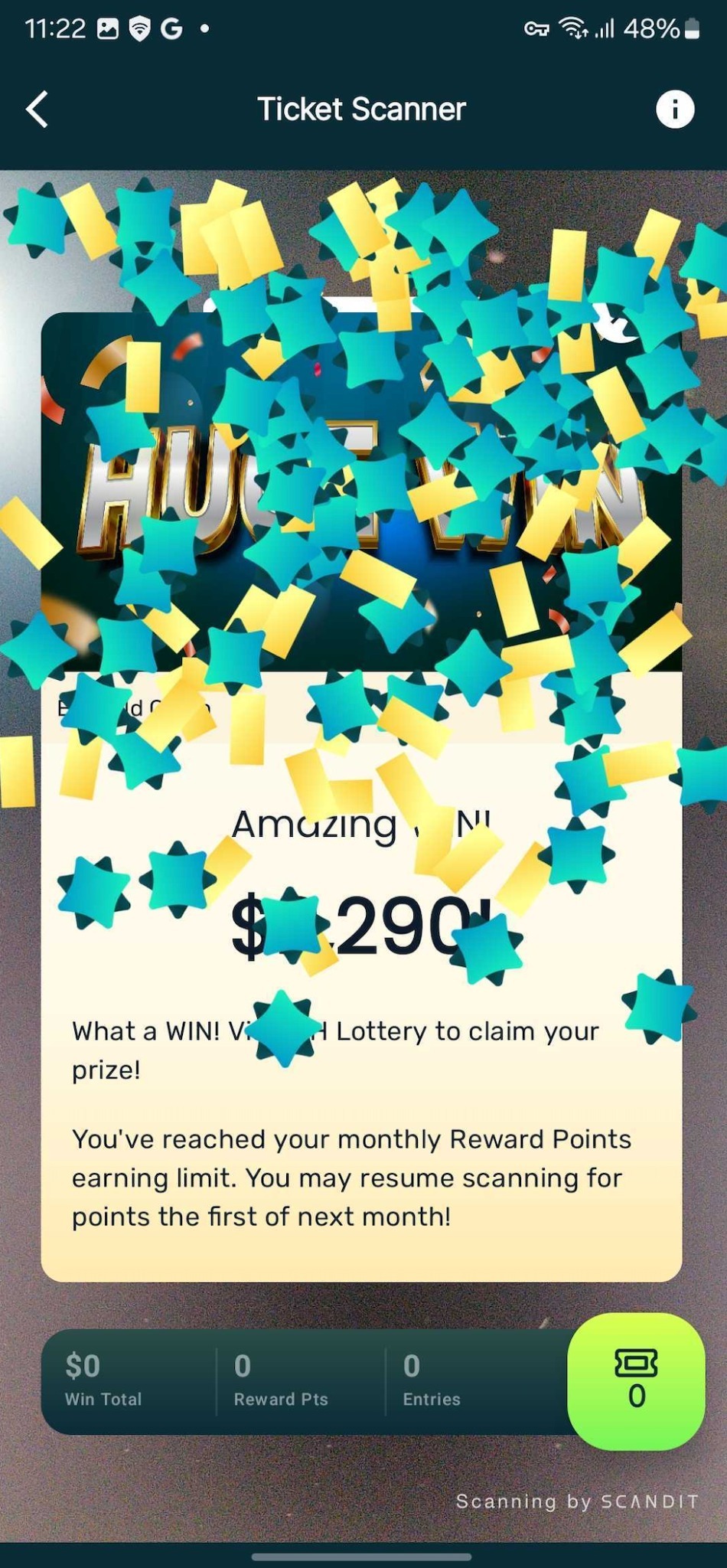
4. Scan your ticket by holding the barcode up to your device camera, lining it up with the rectangle on the screen.
Was this article helpful?
That’s Great!
Thank you for your feedback
Sorry! We couldn't be helpful
Thank you for your feedback
Feedback sent
We appreciate your effort and will try to fix the article