You can reset your scanning session at any time.
Step 1
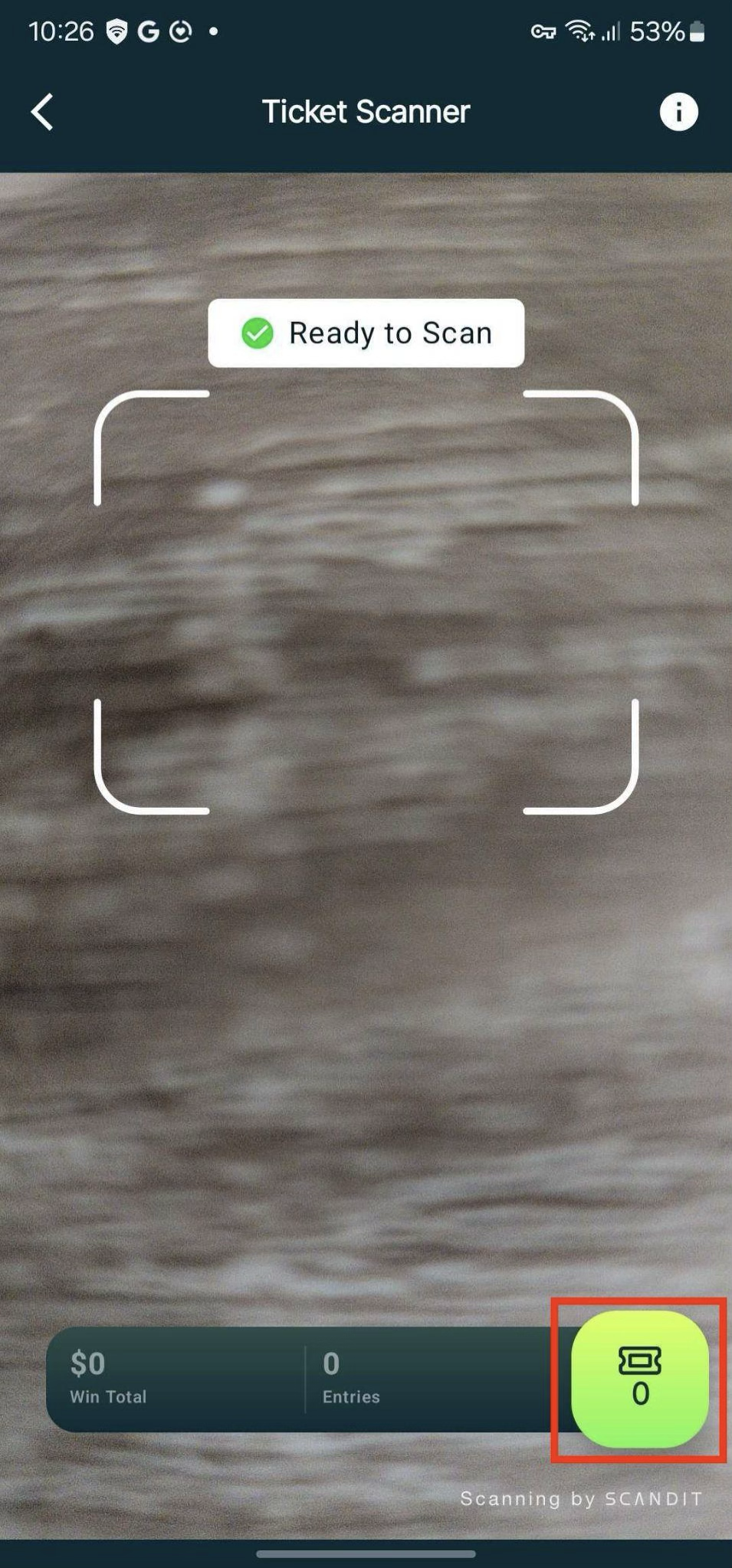
Tap the green ticket icon in the bottom right of the ticket scanner screen to open the session summary.
Step 2
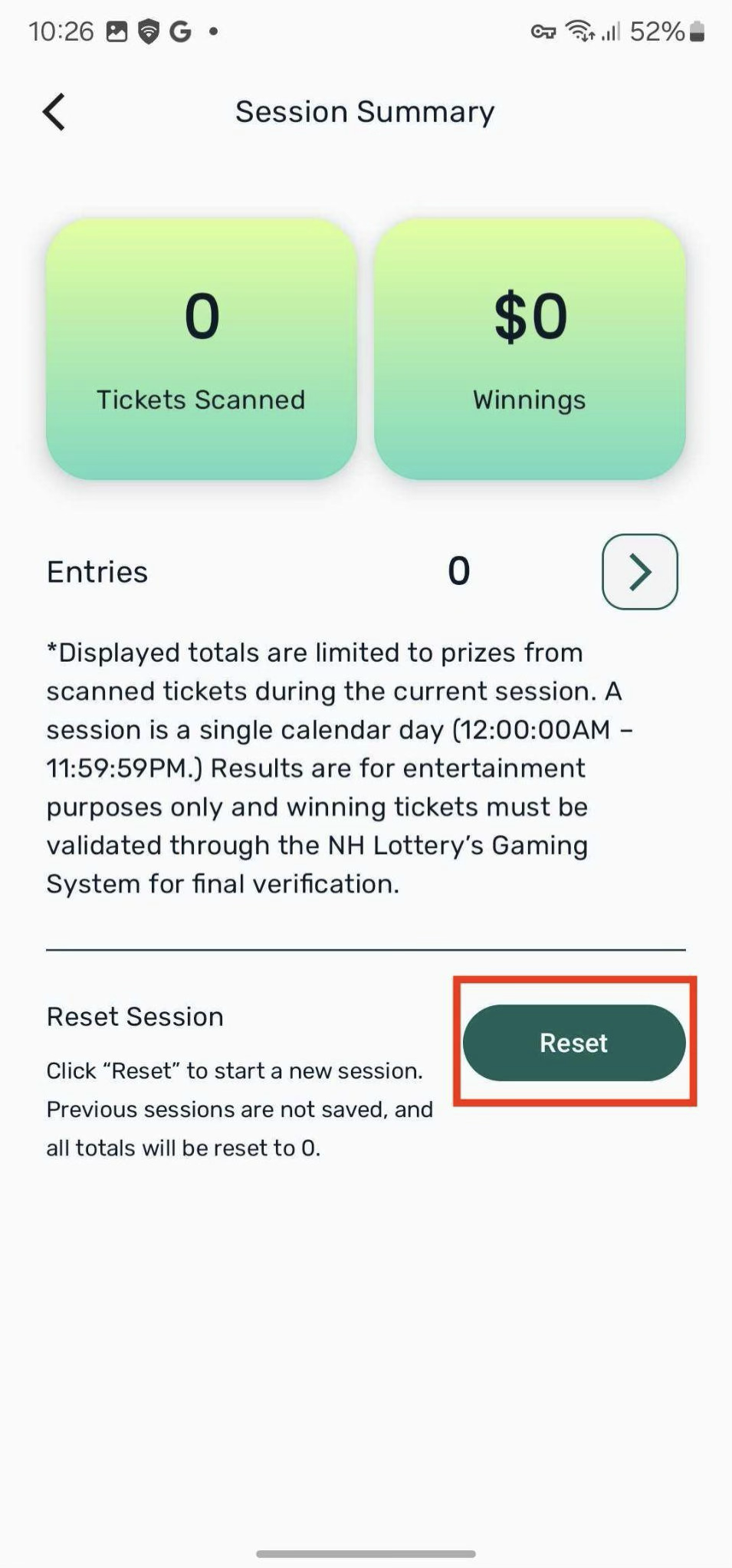
Tap the Reset button.
Note: Your session summary resets daily at midnight automatically.
Was this article helpful?
That’s Great!
Thank you for your feedback
Sorry! We couldn't be helpful
Thank you for your feedback
Feedback sent
We appreciate your effort and will try to fix the article