Follow these steps to see your points history:
Step 1
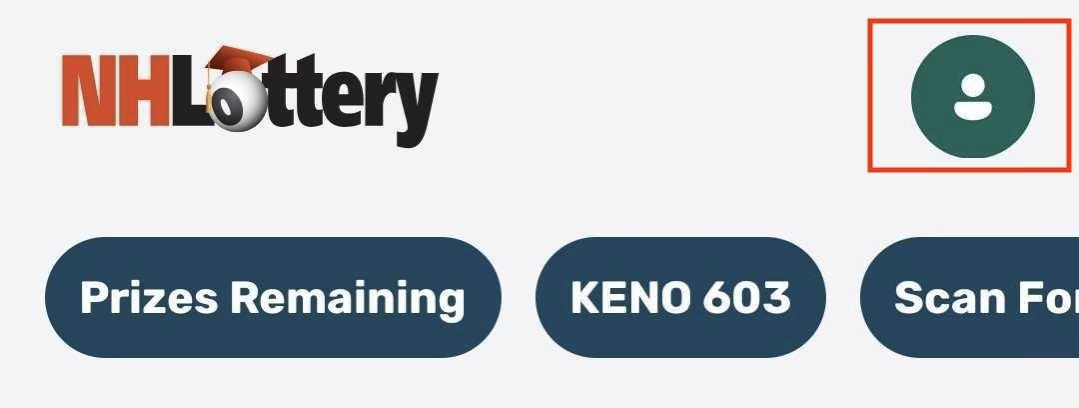
Sign in using the person icon in the upper-right portion of your screen. Select Sign In from the menu and enter your New Hampshire Lottery account credentials.
Step 2
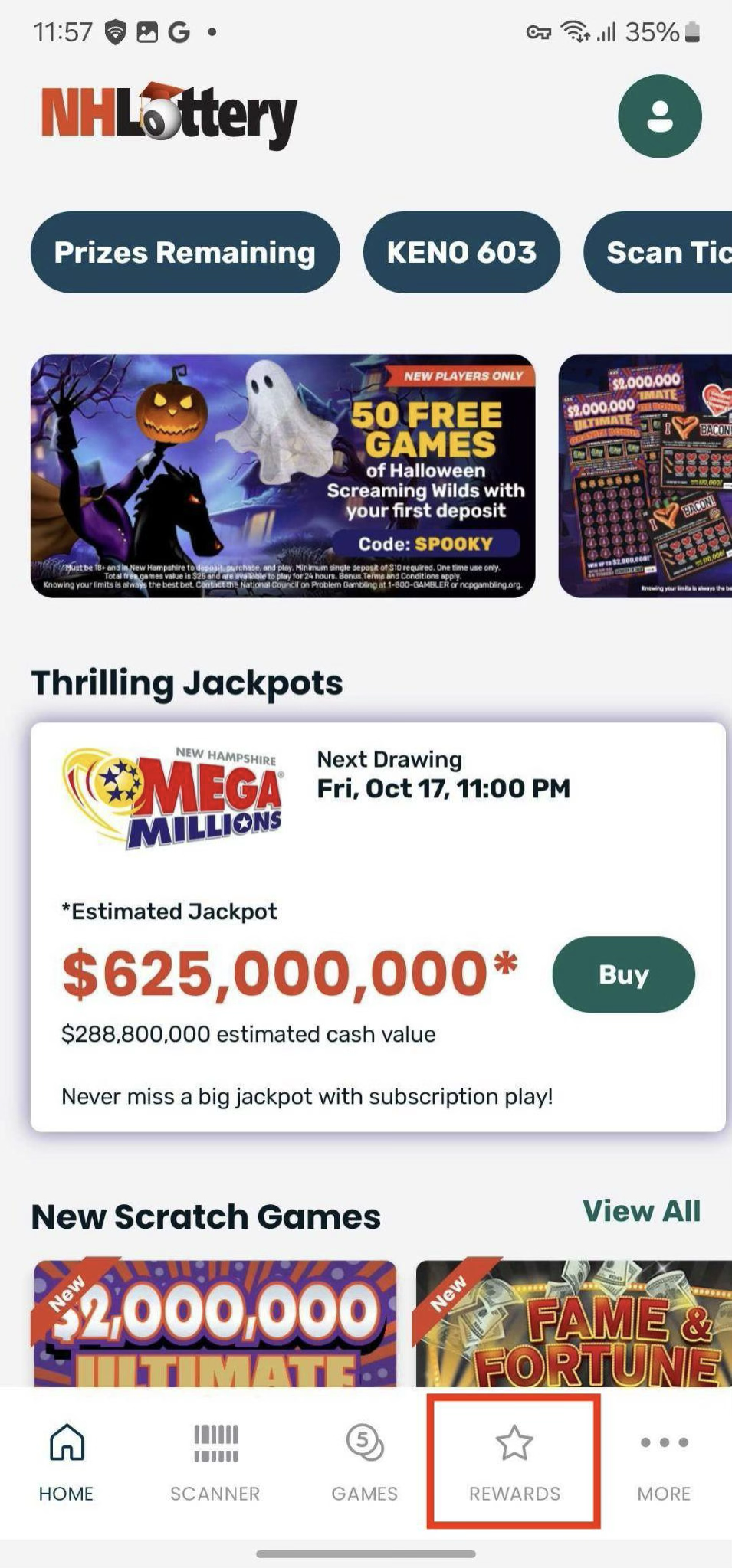
Tap the Rewards icon in the bottom navigation bar
 Step 3
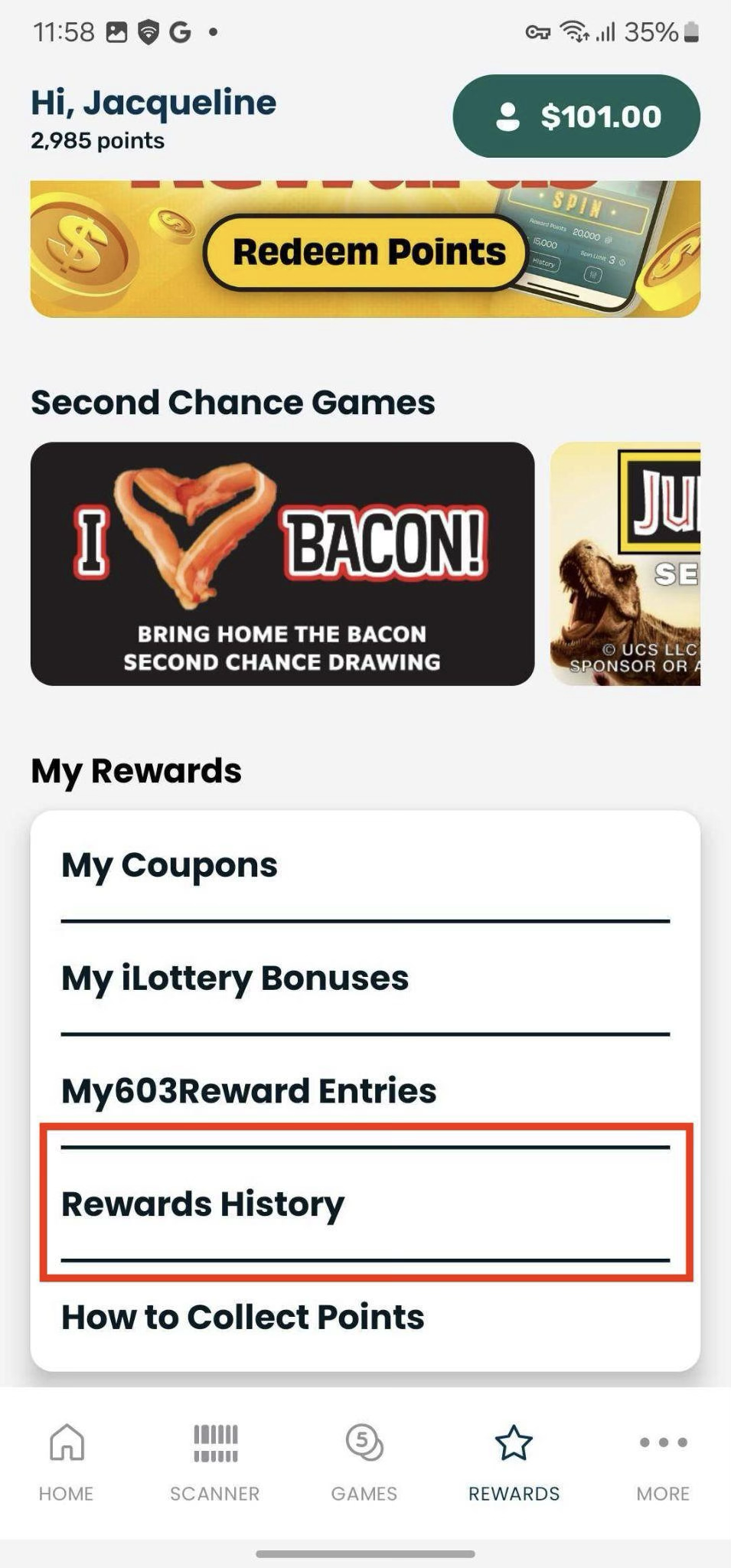
Tap Rewards History
Step 4
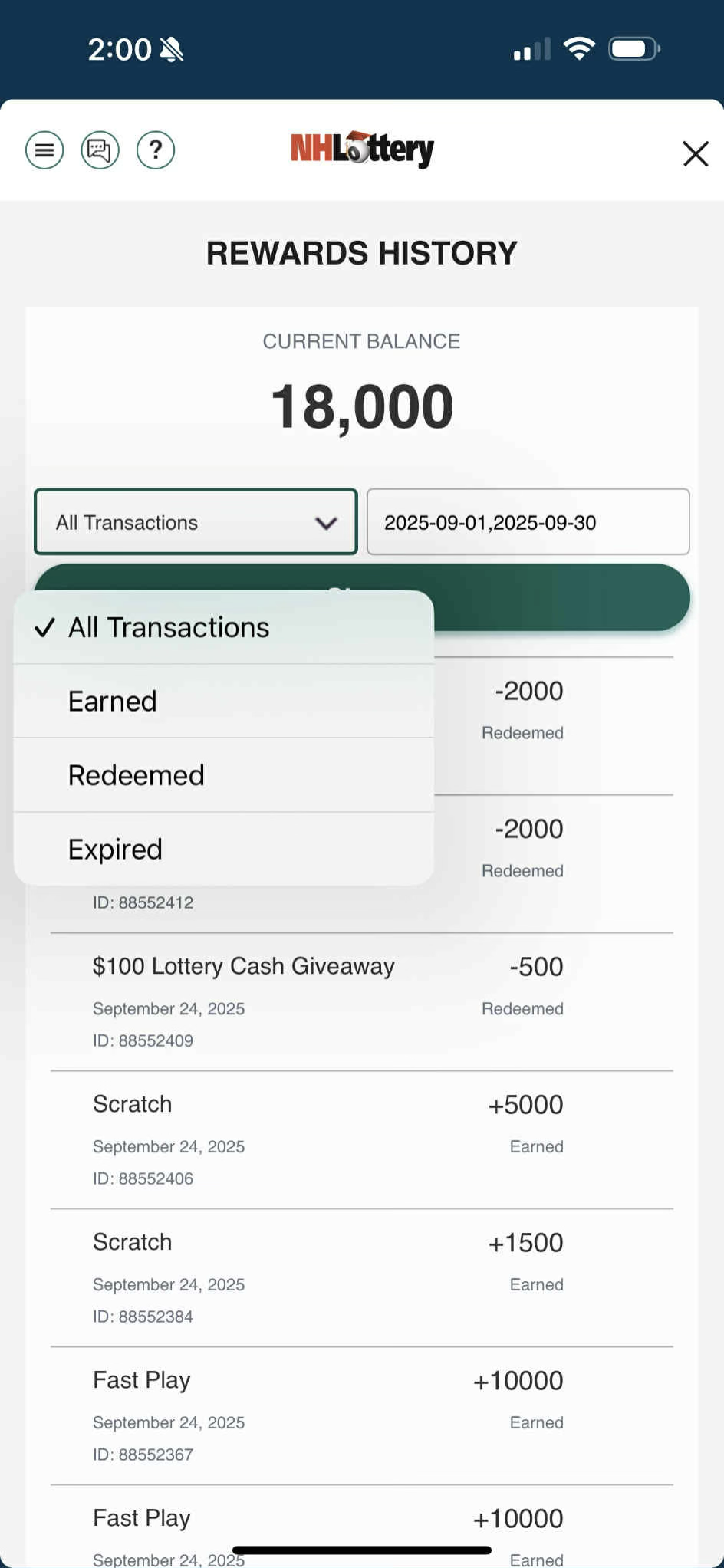
Here you can view your rewards history. You can use the drop down to sort by All Transactions, Earned, Redeemed, or Expired. You can also select the dates you wish to view.
Note: By default, the Reward History page defaults to the current date only.
Was this article helpful?
That’s Great!
Thank you for your feedback
Sorry! We couldn't be helpful
Thank you for your feedback
Feedback sent
We appreciate your effort and will try to fix the article