Step 1
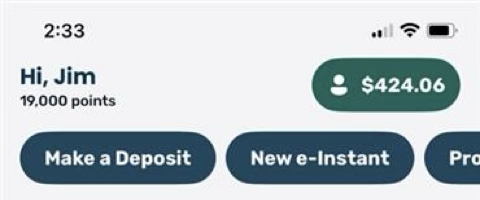
Once logged into the app, click on the Profile menu icon at the top-right corner of the screen.
Step 2
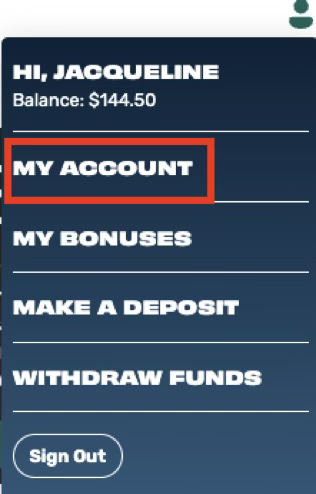
Choose MY ACCOUNT
Step 3
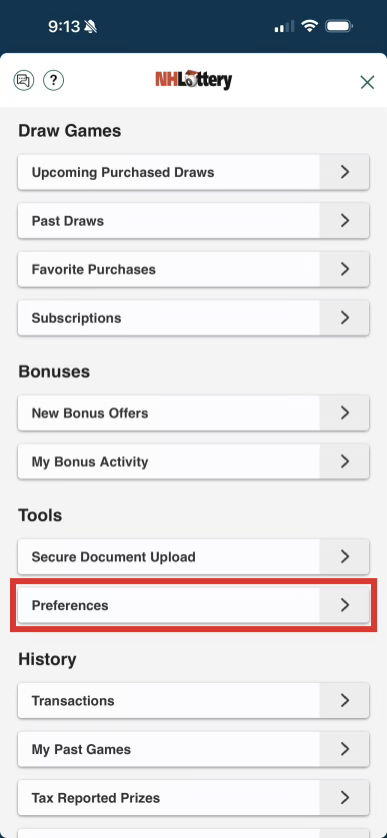
Scroll down to Tools and choose Preferences
Step 4
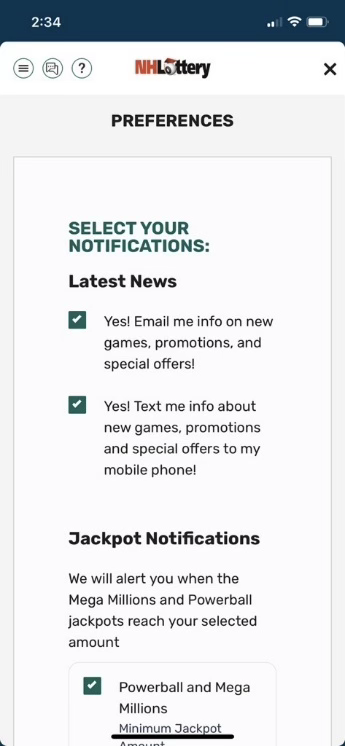
Select your desired communication preferences and tap the Submit button.
Was this article helpful?
That’s Great!
Thank you for your feedback
Sorry! We couldn't be helpful
Thank you for your feedback
Feedback sent
We appreciate your effort and will try to fix the article